Calibrate
Deployment
Best for
Overview
About Calibrate
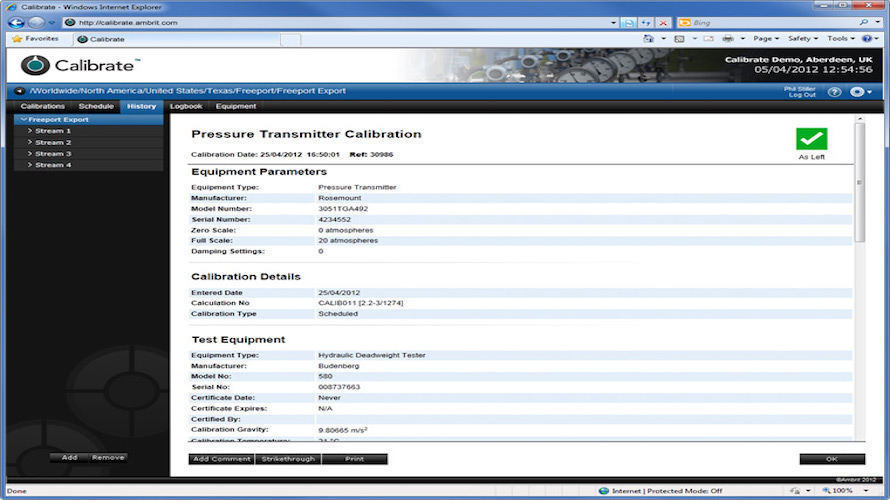
Calibrate continually collates all the results from every calibration and plots them as a chart. These results can be used prove how reliable a piece of equipment has been while it has been in service and can be used to help make a justification to extend the calibration period if the historical results are consistent enough. Calibrate can interface with other business systems such as SAP or Maximo. These systems can dictate their calibration schedule to Calibrate, which then manages the calibration process and reports back once it has been completed, providing a seamless link between the two environments and substantially reducing the amount of work that the technician must perform.
At a glance
Software information
Industries served, licensing and the support Calibrate provides.
Licensing
- Quote Based
Support
- Phone
- Online (Ticket)
Training
- Help Guides
- Blogs
Knowledge Base
- Help Guides
- Blogs
Capabilities
Calibrate features
The full feature set, grouped by module.
Plans
Calibrate pricing
Media
Screenshots & video