
Evgeniya, Photographer at PhotographerVerified Review
Posted on Feb 6, 2026
“A surprisingly powerful and friendly photo editor”
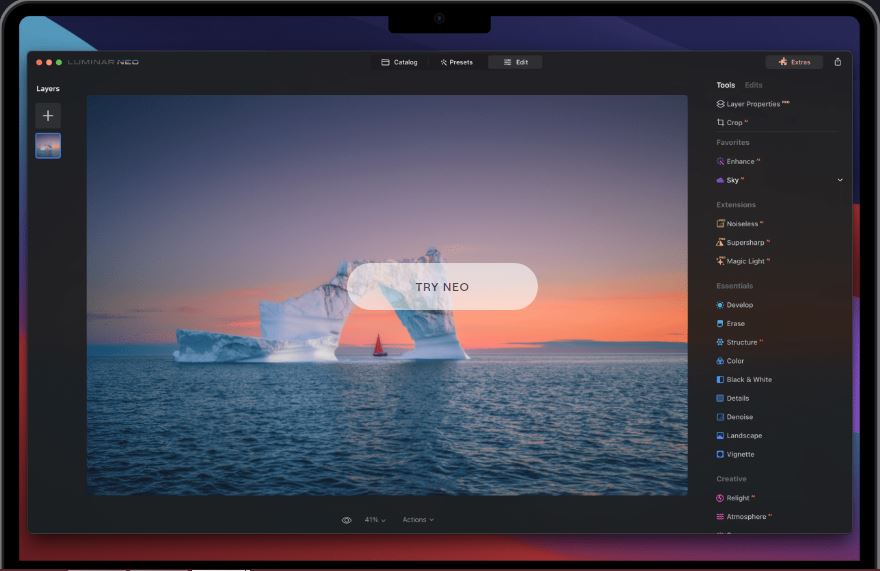
I started using Luminar Neo without watching tutorials — everything just makes sense from the start. The interface is super clear, and AI tools like Enhance AI, Relight AI, Skin AI, and Bokeh AI really help create professional-looking photos in just a few clicks.
The software works great for portraits, landscapes, and even product shots. Batch processing saves tons of time, and I love being able to save my own presets and apply them later. The creative filters (Glow, Dramatic, Mystical) add a nice cinematic touch, and the new Upscale AI tool is a real bonus for enlarging older photos.
Even on my MacBook Air M2, Neo runs smoothly, and exporting is fast.
The software works great for portraits, landscapes, and even product shots. Batch processing saves tons of time, and I love being able to save my own presets and apply them later. The creative filters (Glow, Dramatic, Mystical) add a nice cinematic touch, and the new Upscale AI tool is a real bonus for enlarging older photos.
Even on my MacBook Air M2, Neo runs smoothly, and exporting is fast.