Video to Video AI
Deployment
Overview
About Video to Video AI
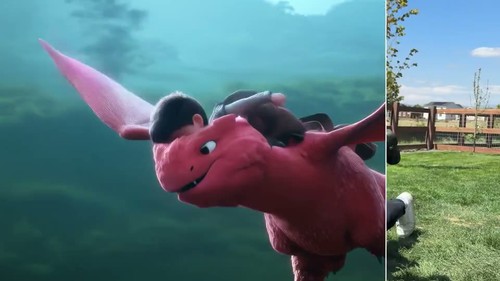
Video to Video AI helps creators restyle short source videos without rebuilding motion from scratch. Upload an MP4 or MOV clip, describe a visual direction such as cinematic, anime, watercolor, comic, 3D, or pixel art, and generate a private variation that follows the source action and timing. The browser workflow supports background changes, character swaps, relighting, camera-angle changes, motion control, and separate continuation clips. Creators can iterate quickly at 720p, review continuity and framing, then export a preferred 1080p MP4 for production use.
The tool is designed for video creators, editors, social media teams, marketers, and visual storytellers who need an approachable AI video transformation workflow.
At a glance
Software information
Industries served, licensing and the support Video to Video AI provides.
Industries
- Information-technology-services
Licensing
- Proprietary
- Free version
Support
- Support daysMondayTuesdayWednesdayThursdayFridaySupport time09:00 to 17:00 (EST)
Training
- Documentation
Capabilities
Video to Video AI features
The full feature set, grouped by module.
Plans
Video to Video AI pricing
Media
Screenshots & video