ChoicePDF
Deployment
Best for
Overview
About ChoicePDF
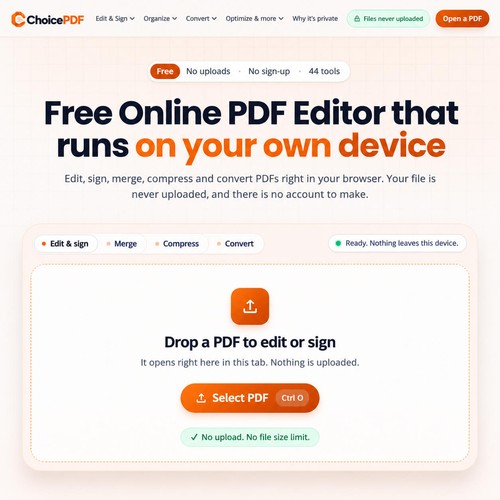
"ChoicePDF is your all-in-one destination for editing, converting, and managing PDF documents online. With more than 50 powerful tools, ChoicePDF makes everyday document tasks simple, convenient, and accessible to everyone.
Whether you need to edit PDF text, merge multiple files, split PDF pages, compress large documents, add signatures, insert images, highlight text, or organize PDF pages, ChoicePDF provides easy-to-use solutions in one place.
Our platform also supports a wide range of document conversion tools, allowing you to convert PDF files to Word, JPG, PNG, PowerPoint, HTML, TXT, Markdown, and WebP formats. You can also convert Word, JPG, PNG, WebP, HEIC, TXT, HTML, Markdown, and CSV files into PDF documents.
From adding page numbers and watermarks to rotating pages, filling PDF forms, extracting text with OCR, and managing document content, ChoicePDF helps streamline your document workflow.
Designed for students, professionals, businesses, freelancers, and everyday users.
At a glance
Software information
Industries served, licensing and the support ChoicePDF provides.
Industries
- Writing-editing
- Information-technology-services
Licensing
- Open Source
- Free version
Support
- 24x7 Support
Training
- Documentation
Capabilities
ChoicePDF features
The full feature set, grouped by module.
Plans
ChoicePDF pricing
Media
Screenshots & video