



FBackup
Deployment
Windows
Best for
51–100 employees
Overview
About FBackup
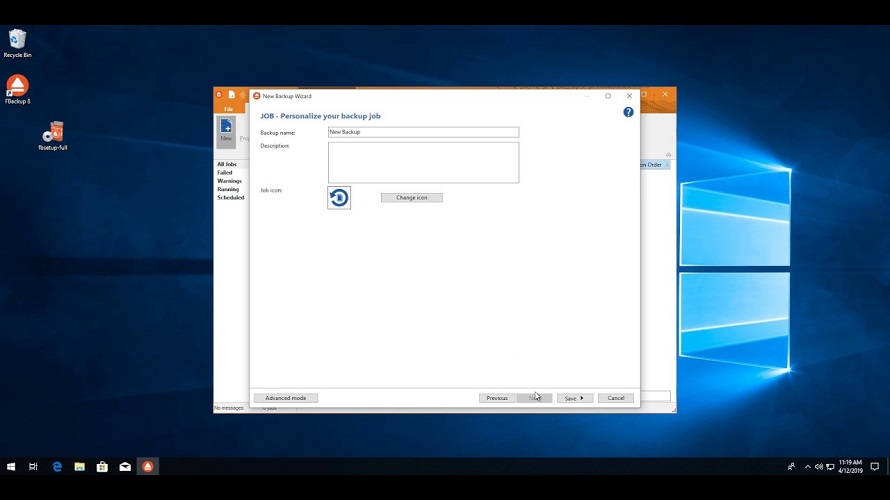
FBackup has a simple interface and guides you through the process of defining a backup job using a friendly wizard that asks you:
-Where do you want to store the backup (the destination)
-What do you want to backup (the sources)
-How do you want to run the backup (using the full backup that zips the files, or mirror backup that doesn't zip them)
-When do you want to run the backup (you can schedule it to run automatically or run it manually)
At a glance
Software information
Industries served, licensing and the support FBackup provides.
Licensing
- Free
- Free version
Support
- Online (Ticket)
Training
- Help Guides
- On-Site Training
Knowledge Base
- Help Guides
- On-Site Training
No reviews submitted yet.
Be the first one to reviewCapabilities
FBackup features
The full feature set, grouped by module.
Plans
FBackup pricing
Pricing Type
Free
Free Version
Yes
Payment Frequency
Free
Media
Screenshots & video
This profile is not fully claimed
Do you own or represent FBackup? Verify your business email to claim and manage this Goodfirms profile.