Movavi Video Converter
Deployment
Overview
About Movavi Video Converter
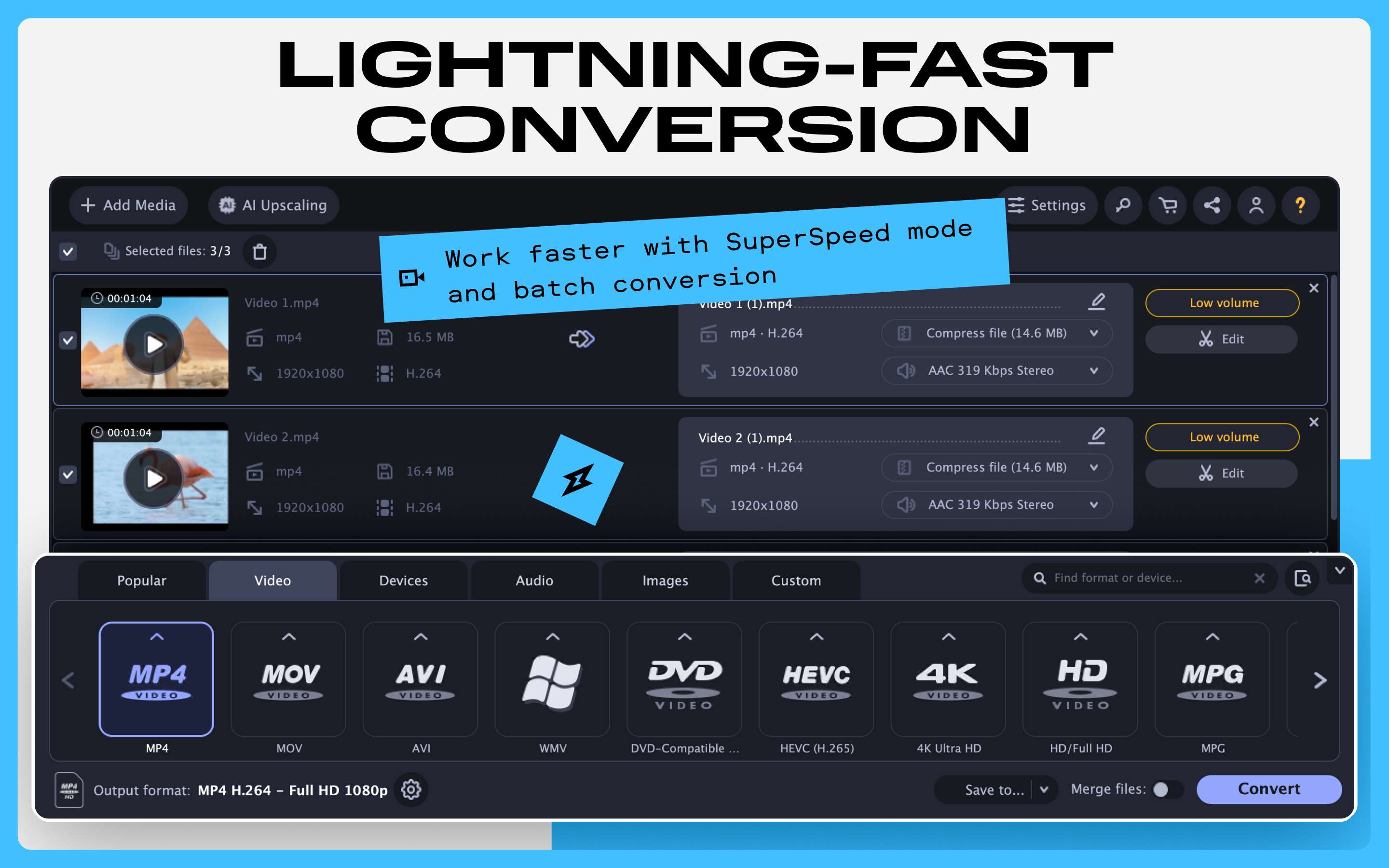
Movavi Video Converter is built for users who want more than basic conversion without added complexity. Its key strength is speed, handling video, audio, and image files quickly across 180+ formats like MP4, MOV, AVI, MKV, and MP3—covering most everyday needs.
It also includes simple editing tools, such as trimming, cropping, rotating, and basic color or audio adjustments. While not a full editor, it lets you fix files before export without switching apps.
For larger workloads, batch processing allows multiple files to be converted at once, and lossless compression helps manage storage and upload limits. AI upscaling (up to 4x or 8x) improves lower-quality footage, making it useful for older videos.
Overall, it’s a practical choice for fast conversion, wide format support, and essential pre-export tools—without the complexity of full editing software.
At a glance
Software information
Industries served, licensing and the support Movavi Video Converter provides.
Industries
- Computer-software
Licensing
- Proprietary
- Monthly Payment
- Annual Subscription
- Free trial
- Free version
Support
- Live Chat
- Phone
- 24x7 Support
Capabilities
Movavi Video Converter features
The full feature set, grouped by module.
Plans
Movavi Video Converter pricing
Media
Screenshots & video