



SimpleumSafe
Deployment
Mac
Best for
SmallMedium
Overview
About SimpleumSafe
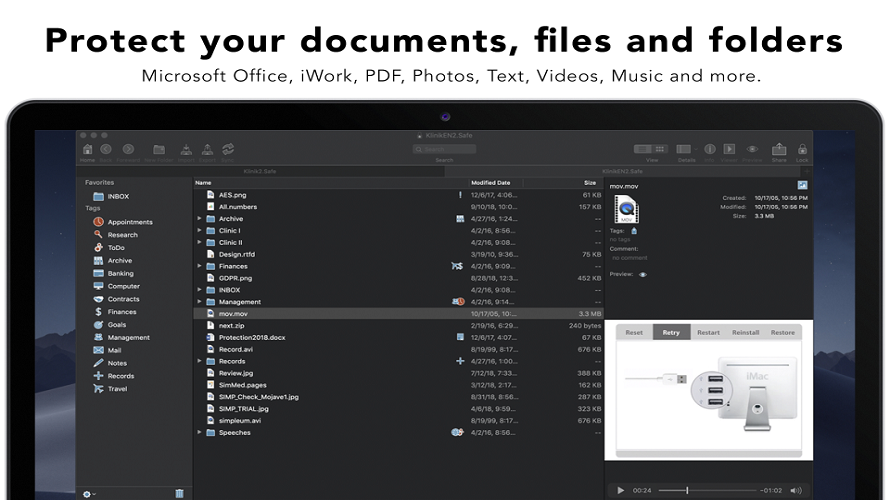
To encrypt files or folder, drag files from the Mac “Finder” into the safe. Done! You can organize your files similar to the Mac “Finder”: view files, edit, rename, comment, tag them and more. Your data always remain encrypted. You can create multiple safes and store them at different locations. For example: on your hard disk, on an USB Flash Drive or in the cloud. Only you can decrypt the data, because only you know the password the files have been encrypted with.
At a glance
Software information
Industries served, licensing and the support SimpleumSafe provides.
Licensing
- Monthly Payment
- Free
- Free version
Support
- Business Hours
Training
- Help Guides
Knowledge Base
- Help Guides
No reviews submitted yet.
Be the first one to reviewCapabilities
SimpleumSafe features
The full feature set, grouped by module.
Plans
SimpleumSafe pricing
Free Version
Yes
Payment Frequency
Monthly Payment, Free
Media
Screenshots & video
This profile is not fully claimed
Do you own or represent SimpleumSafe? Verify your business email to claim and manage this Goodfirms profile.