StatementHarbor
Deployment
Best for
Overview
About StatementHarbor
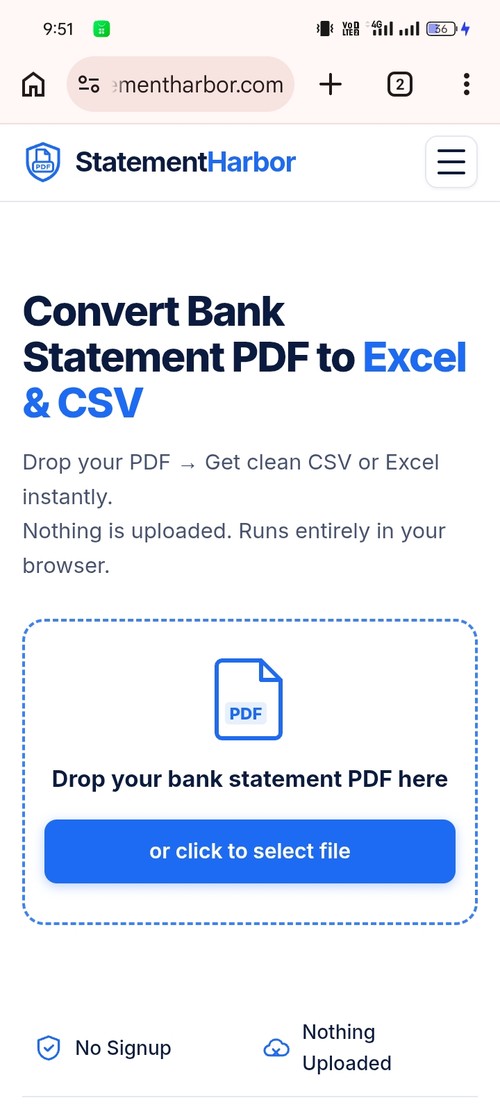
StatementHarbor converts bank statement PDFs into clean Excel (.xlsx), CSV or QBO files, entirely in your browser. Your statement is never uploaded to a server, so there is no account to create, no page limit and no watermark.
Drop in a text-based PDF from your bank and download a spreadsheet with Date, Description, Amount and Balance columns. Dates are written year-month-day so Excel, Google Sheets, QuickBooks and Xero read them correctly. QBO export lets QuickBooks Online import transactions directly.
It reads the transaction table itself rather than matching bank templates, so most text-based statements convert, including US banks (Chase, Wells Fargo, Bank of America, Citi, PNC) and Indian banks (HDFC, ICICI, SBI, Axis, Kotak). It also works offline after the page loads.
Free guides cover reconciling converted statements and importing into QuickBooks and Xero.
At a glance
Software information
Industries served, licensing and the support StatementHarbor provides.
Industries
- Accounting
- Financial-services
- Banking
Licensing
- Proprietary
- Free version
Support
- 24x7 Support
Capabilities
StatementHarbor features
The full feature set, grouped by module.
Plans
StatementHarbor pricing
Media
Screenshots & video