

Cadence the best screen recording app with AI voice transformation, for a perfect global accent and

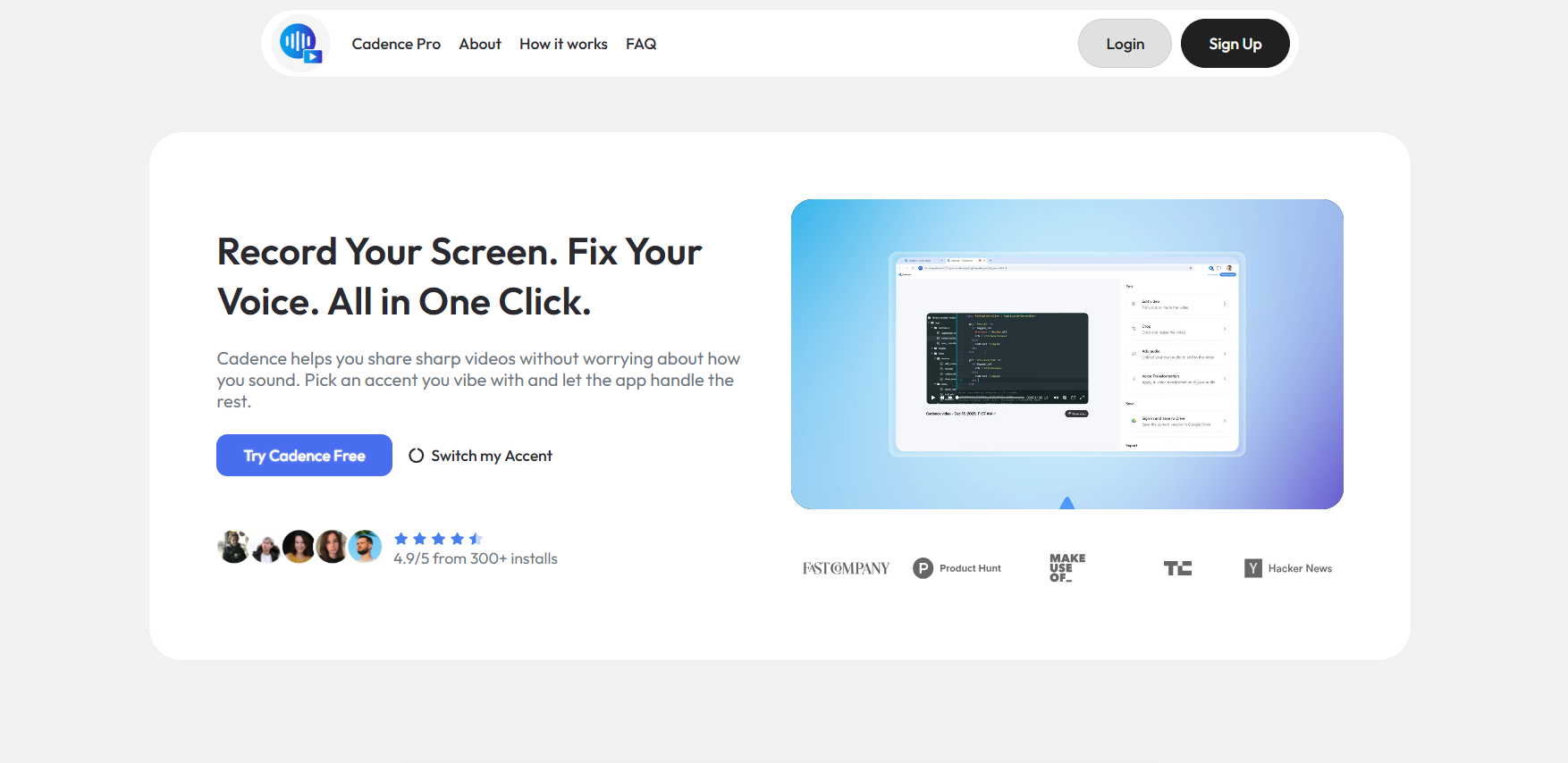
Cadence is a screen recording platform with AI voice and accent transformation for professionals who want polished videos without re-recording or expensive gear. Record normally, then the AI rebuilds your audio with a cleaner global sound, preserving your natural pace, emotion, and message while removing background noise and mic distortion. Features: screen and camera capture, on-screen markup, sensitive info blurring, cursor highlights, AI accent swap in multiple global profiles, language translation into 25+ languages, 100GB Pro cloud storage, shareable links, keyframe zoom, captions, and layout tools. Rated 4.9/5 from 300+ installs, featured in Fast Company, TechCrunch, and MakeUseOf.
Cadence
2025
United States
2 Industries
1 Language
Industries
  • Computer-software
  • Information-technology-services
Licensing & Deployment
Support
  • Email
  • Chat
  • 24x7 Support
Training
  • Documentation

useCadence Core Features

Focus of Screen Recording Feature
  • Area Selection
  • Recording Timer
  • Video Capture
  • Video Editing
  • AI Features
Focus of AI Voice Generator Feature
  • Custom Voice Creation
  • Natural-Sounding Voices
  • Voice Customization

useCadence Pricing

Pricing Type
  • Flat Rate
Preferred Currency
  • USD ($)
Free Version
  • No
Free Trial
  • 7 Days Trial
    (Credit card required)
Payment Frequency
  • Monthly Payment
  • Annual Subscription

useCadence Reviews

5.0 1 Review
  • Relevance
  • Most Recent
  • Rating: high to low
  • Rating: low to high
Write a Review
Carlos Alfredo Dávila Aguilar

A practical tool to solve screencasts perfectionism

I found it as a great tool to share instructions and to explain how to do things with my colleagues from work. I work at an international company with an international team, so having the voice fixing feature is definitely helpful to make my message come across in a more understandable way.
What was the project name that you have worked with useCadence?

Screen Recording Software

How long have you used useCadence?

2 Months

How frequently you use useCadence?

Weekly

How do you find pricing of useCadence?

inexpensive

What do you like the most about useCadence?

Everything was super simple since the setup and the free version is actually good enough for my needs.

What do you like the least about useCadence?

It would be nice that it had some additional voice options, but it's not bad as it is.

Rating Breakdown

  • Ease of Use
  • Features
  • Customer Support
  • Overall Rating