VideoSnap
Deployment
Best for
Overview
About VideoSnap
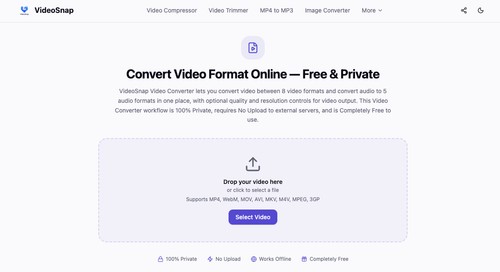
VideoSnap is a browser-based collection of tools for working with video and image files. The available tools cover common tasks such as format conversion, video compression, trimming, rotation, speed adjustment, frame extraction, and video-to-GIF conversion. Image-related tools include format conversion, background removal, collage creation, and watermarking. File processing takes place locally in the browser for supported operations, so files do not need to be uploaded to a separate service.
This can be useful for files that contain personal, work-related, or otherwise sensitive material. The service does not require account registration or software installation, and exported files are not modified with an added watermark. Supported formats vary by tool but include common video, audio, and image types such as MP4, WebM, MKV, MOV, JPG, PNG, WebP, GIF, MP3, and WAV. The interface is intended for straightforward, occasional media tasks rather than professional post-production workflows.
At a glance
Software information
Industries served, licensing and the support VideoSnap provides.
Industries
- Computer-software
- Design
Licensing
- Proprietary
- Free version
Support
- 24x7 Support
Training
- In-person
Capabilities
VideoSnap features
The full feature set, grouped by module.
Plans
VideoSnap pricing
Media
Screenshots & video