PBRS Power BI Report Scheduler
Deployment
Best for
Overview
About PBRS Power BI Report Scheduler
PBRS (Power BI Report Scheduler) automates report generation, personalization, packaging and delivery from Power BI Service, Power BI Report Server, Power BI Paginated Reports and SSRS. BI, IT, finance and operations teams use it to replace manual exporting.
SQL or JSON data drives each delivery, controlling filters, parameters, formats and destinations per recipient. Reports can be bundled into one email, a ZIP archive, a bookmarked PDF or a multi-tab Excel workbook. Outputs go through email, Teams, SharePoint, cloud storage, Slack, FTP/SFTP, network folders and printers. External recipients open files without a Power BI login, and PDFs can carry passwords and encryption.
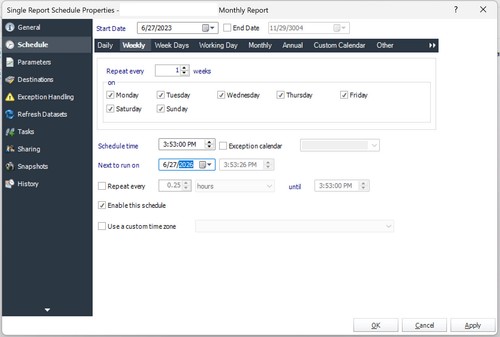
Schedules run on recurring intervals, custom calendars or event triggers. PBRS refreshes datasets and waits for completion before generating reports. A REST API connects automation to other applications. Installs on Windows with a free 30-day trial.
At a glance
Software information
Industries served, licensing and the support PBRS Power BI Report Scheduler provides.
Industries
- Hospital-health-care
- Financial-services
- Education-management
- Government-administration
- Nonprofit-organization-management
Licensing
- Proprietary
- Annual Subscription
- Free trial
Support
- Phone
- Support daysMondayTuesdayWednesdayThursdayFridaySupport time10:00 to 18:00 (EST)
Training
- Documentation
Capabilities
PBRS Power BI Report Scheduler features
The full feature set, grouped by module.
Plans
PBRS Power BI Report Scheduler pricing
Works with
Integrations
PBRS Power BI Report Scheduler connects with the tools your team already uses.
Media
Screenshots & video