
PDFBeast

5.0 (30 Reviews)|Write a Review|Claimed profile
Spain HQFounded 2024

Deployment

Overview

About PDFBeast

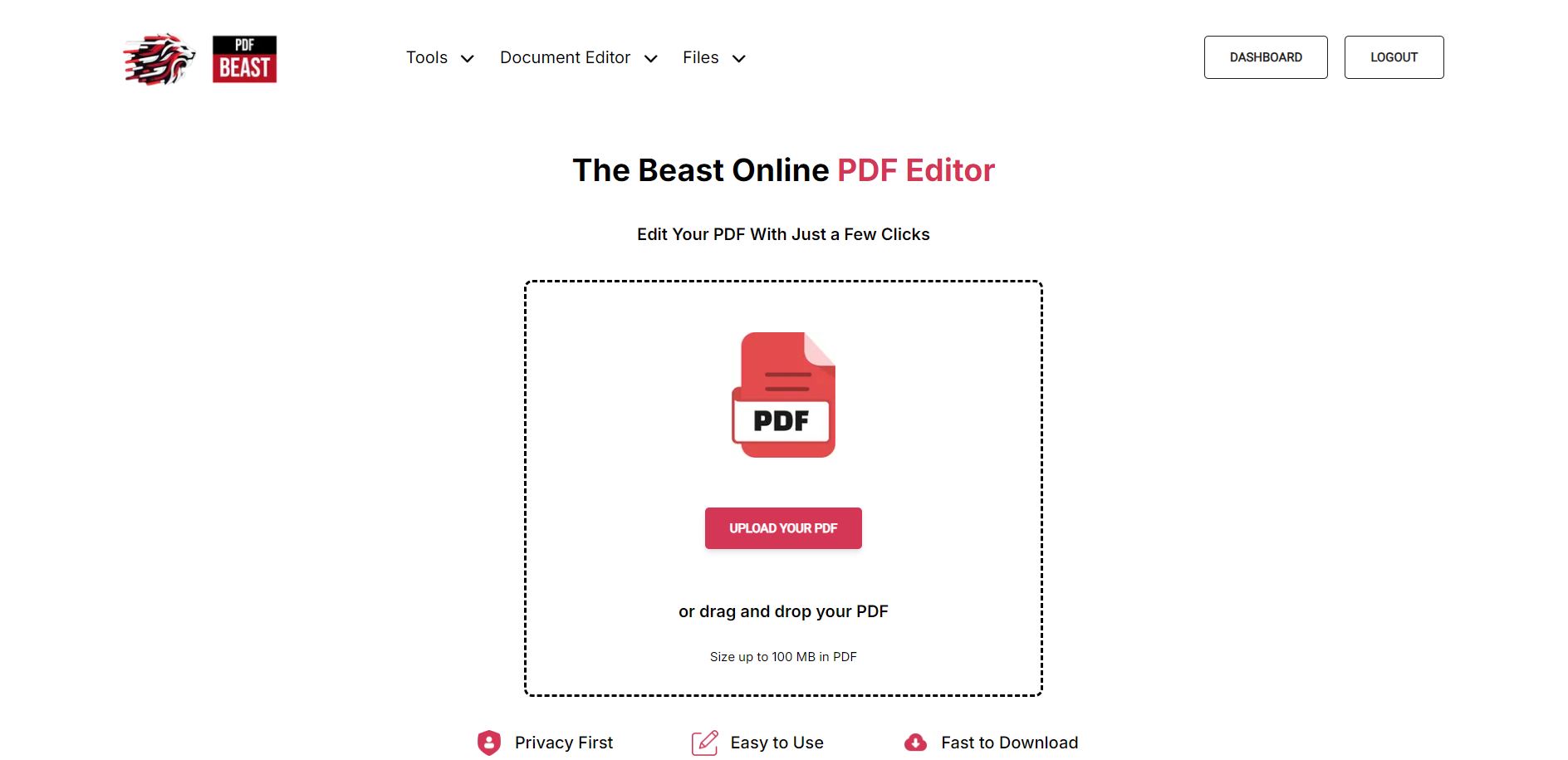
PDFBeast is designed for both beginners and advanced users, it simplifies tasks like editing, merging, annotating, and converting PDFs, providing a fast and user-friendly experience. With PDFBeast, you can handle all your document needs in one efficient platform.

At a glance

Software information

Industries served, licensing and the support PDFBeast provides.

Industries

  • Accounting
  • Architecture-planning
  • Aviation-aerospace
  • Banking
  • Commercial-real-estate
  • Computer-software

Licensing

  • Proprietary
  • Monthly Payment
  • Annual Subscription
  • Free trial
  • Free version

Support

  • Email
  • 24x7 Support

Training

  • Webinar
  • In-person
  • Documentation
Languages (10)
EnglishFrenchGermanItalianJapanesePolishPortugueseRussianSpanishTurkish

Review analytics

What customers report

5.0
Based on 30 verified reviews
Ease of use5.0
Features & functionality5.0
Customer support5.0

What users like the most

  • - Really easy to use - Fast and clean interface - Does what it says without any hassle
  • The most impressive aspect of PDFBeast is its simple and clean interface combined with powerful features. Being able to perform multiple tasks such as merging, converting, and signing PDFs all in one place, without any software installation, makes it extremely convenient. The cloud-based nature allows access from any device, boosting productivity on the go.
  • Provides fast and accurate PDF solutions for users, enhancing work efficiency.

What users like the least

  • - They could add more tools.
  • Intuitive and clean user interface No software installation required Wide range of PDF tools in one platform Cloud access enables working from anywhere Reliable and secure document handling
  • Market penetration and advertising.

What users say

Review Analytics of PDFBeast

Every review is verified through Goodfirms before it's published.

5.030 Verified Reviews
Ease of use5.0
Features & functionality5.0
Customer support5.0
Review Summary
Summarized from 30 verified reviews · Updated September 2026
PDFBeast is a cloud-based PDF tool praised for its intuitive interface, fast performance, and reliable conversion and editing capabilities. Users across various industries highlight its ease of use, seamless merging and splitting functions, and secure document handling. While reviewers note that very large files occasionally process more slowly and advanced editing features are limited compared to desktop software, the platform's simplicity, accessibility from any device, and reasonable pricing make it a practical choice for everyday PDF management and team collaboration.
✦ AI-generated summary. May not reflect every review.
Detailed Reviews of PDFBeast
Sort ByWrite a Review

What reviewers mention most

Adán LópezVerified Review
Posted on Oct 28, 2025

“Super easy to use and actually works great”

Overall rating5.0
Ease of use5.0
Features & functionality5.0
Customer support5.0
Honestly, PDFBeast surprised me in the best way. I just needed to edit a PDF quickly, and it did exactly what I wanted.

No weird ads, no limits after two clicks, no confusion. Just clean, simple, and fast. TOP!!!

The design is nice and everything loads super quickly. I’ve used a lot of online editors before, and most of them are either slow or make you sign up before you can even finish your file. PDFBeast feels smooth and reliable from the start.

Johann Müller, Chief Technology Officer at Johan.ltdVerified Review
Posted on Oct 28, 2025

“A Reliable and Easy-to-Use Online PDF Tool That Simplifies Document Management”

Overall rating5.0
Ease of use5.0
Features & functionality5.0
Customer support5.0
PDFBeast provides a seamless online platform for managing PDF files without the hassle of software installation. Its user-friendly design makes it accessible for beginners and professionals alike. I found the conversion tools accurate and fast, and the merging and splitting functions are very handy. The annotation and e-signature features improved collaboration with my team. While it handles most tasks well, very large files sometimes take longer to process. Overall, it’s a great value for everyday PDF needs.
David Johnston, Manager at PDFBeastVerified Review
Posted on Oct 28, 2025

“Fast, Reliable, and User-Friendly.”

Overall rating5.0
Ease of use5.0
Features & functionality5.0
Customer support5.0
PDFBeast is one of the best online PDF tools I’ve used! It’s fast, reliable, and works perfectly for merging, editing, and converting files. The interface is clean and easy to navigate, and I love that I can access everything from the cloud without needing to install software. Definitely a 5-star experience
Annie perot, Freelancer at Creative Minds StudioVerified Review
Posted on Oct 28, 2025

“Great experience overall”

Overall rating5.0
Ease of use5.0
Features & functionality5.0
Customer support5.0
PDFBeast has simplified all my document tasks. Converting PDFs to Word or Excel takes seconds, and the results are accurate every time. The interface is so intuitive that even non-tech users can manage it easily. Great experience overall
Ryan Alvarez, Editor at PDFBeastVerified Review
Posted on Oct 28, 2025

““Effortless and Powerful PDF Tool!””

Overall rating5.0
Ease of use5.0
Features & functionality5.0
Customer support5.0
PDFBeast strikes the perfect balance between powerful features and simplicity. Whether I’m merging documents or signing a PDF, it just works. The fact that it’s web-based makes it super convenient on the go. Five stars for making document management this effortless!
Robert Herick, Manager at EverStream Solutions Inc.Verified Review
Posted on Oct 28, 2025

“PDFBeast: The Most Reliable and Accurate PDF Tool I've Used”

Overall rating5.0
Ease of use5.0
Features & functionality5.0
Customer support5.0
After trying multiple PDF tools, PDFBeast is the only one that consistently performs well. It’s quick, accurate, and doesn’t mess up formatting like other converters. The free trial made it easy to test, and now I use it daily. I can confidently say it’s one of the best PDF tools online
Micheal Smith, CEO at EasyDocs HubVerified Review
Posted on Oct 28, 2025

“A User's Perspective”

Overall rating5.0
Ease of use5.0
Features & functionality5.0
Customer support5.0
My overall experience using PDFBeast has been excellent. The platform is intuitive and easy to navigate, making tasks like editing, merging, and converting PDFs quick and hassle-free. I especially appreciate the variety of tools it offers, from text editing and annotations to secure digital signatures. Being cloud-based, I can access and work on my documents from any device, which is incredibly convenient. Overall, PDFBeast has made managing PDF files much simpler and more efficient, and I would highly recommend it to anyone looking for a reliable PDF solution.
Joseph Kennedy, PDFBeast at pdfVerified Review
Posted on Oct 28, 2025

“The pricing is reasonable”

Overall rating5.0
Ease of use5.0
Features & functionality5.0
Customer support5.0
I started using PDFBeast for my small business, and it has been a game-changer. The platform runs smoothly, even with large files, and the conversion quality is excellent. The pricing is reasonable, and the customer support team responds quickly to any questions. It’s everything I wanted in a PDF solution.
Adam Pollard, Manager at PDFBeastVerified Review
Posted on Oct 28, 2025

“Reliable and Secure PDF Solutions for Sensitive Documents”

Overall rating5.0
Ease of use5.0
Features & functionality5.0
Customer support5.0
PDFBeast delivers exactly what it promises. The edit and convert functions are accurate, and I’ve never had a file corrupted or misplaced. I appreciate how secure and stable the system feels. Perfect for companies dealing with sensitive client documents.
Joseph Abbott, Manager at PDFBeastVerified Review
Posted on Oct 28, 2025

“ffortless PDF Management with PDFBeast.”

Overall rating5.0
Ease of use5.0
Features & functionality5.0
Customer support5.0
As someone who works with PDFs daily, I’m impressed with how easy PDFBeast is to use. Uploading, editing, and downloading take just a few clicks. The merge and split options are especially handy for managing large documents.

Capabilities

PDFBeast features

The full feature set, grouped by module.

Document Management Software

  • Document Sharing
  • Document Storage
  • Electronic Signature
  • File Type Conversion
  • Version Control

Text Editor Software

  • Autosave
  • Content Import/Export
  • Editing Tools
  • Live Preview
  • Multi-File Editing
  • Syntax Highlighting

PDF Software

  • Annotations
  • Content Editing
  • Convert to PDF
  • Digital Signature
  • Encryption
  • Merge/Append
  • PDF Reader
  • Watermarking
  • AI Features

Plans

PDFBeast pricing

Free Version
Yes
Payment Frequency
Monthly Payment, Annual Subscription
Preferred Currency
USD ($)
Free Trial
7 Days

Media

Screenshots & video