Awesome Video Editor
Deployment
Best for
Overview
About Awesome Video Editor
Key Features
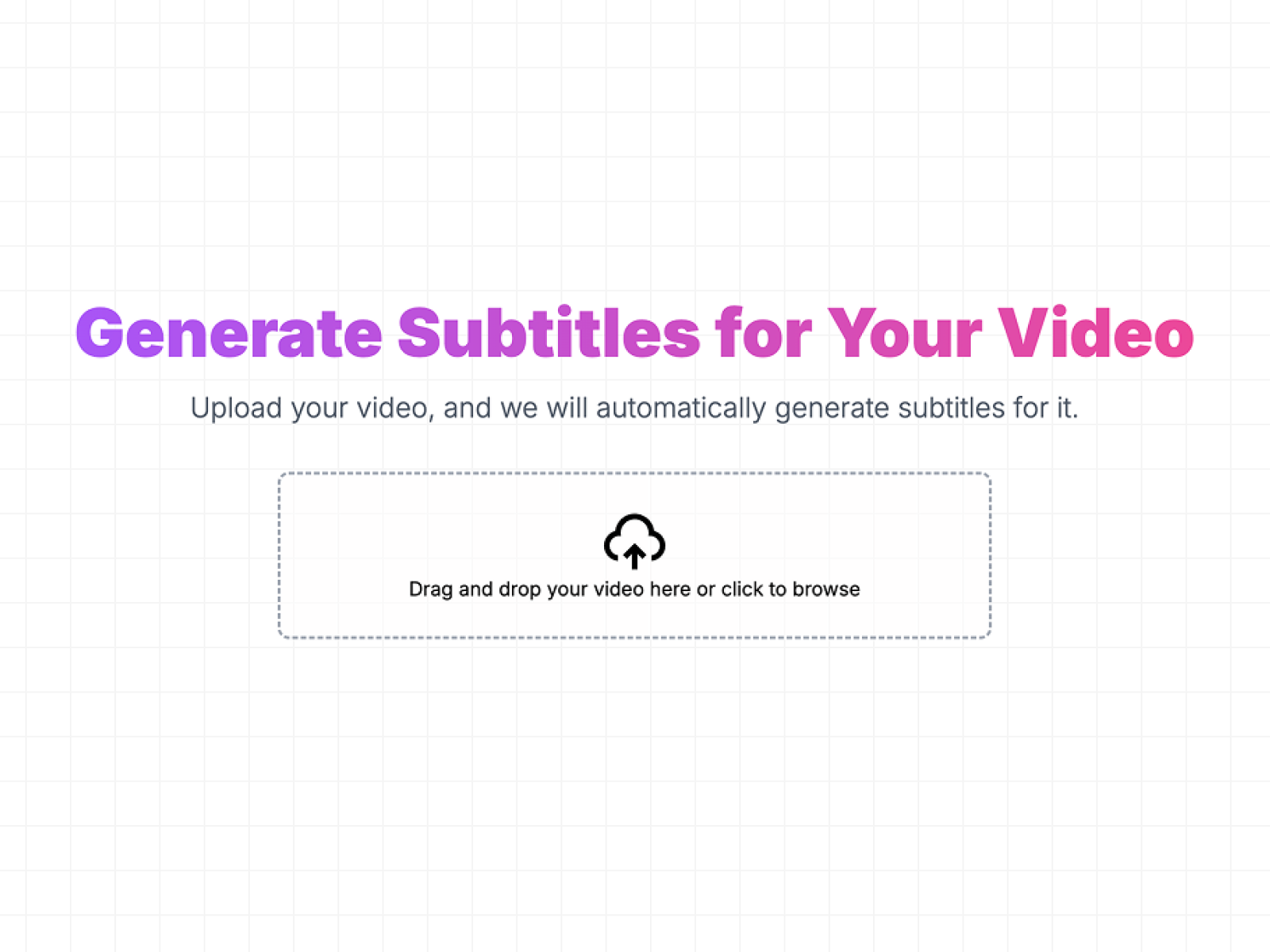
- AI-Powered Subtitles: Automatically generate accurate subtitles using advanced speech recognition.
- Multi-Language Support: Create subtitles in various languages to reach a global audience.
- Customizable Subtitles: Edit and style your captions to match your brand.
- Multiple Export Formats: Download subtitles in SRT, VTT, or embed them directly into your video.
- Fast & Efficient Processing: Generate subtitles in seconds, saving you hours of manual work.
Benefits
- Increase Engagement: Subtitles keep viewers engaged, even when watching without sound.
- Boost Accessibility: Make your content inclusive for deaf and hard-of-hearing audiences.
- Expand Global Reach: Translate subtitles into multiple languages to reach a wider audience.
- Save Time & Effort: AI-powered transcription automates the process, reducing manual work.
- Enhance Video Comprehension: Viewers can easily follow along, even in noisy environments.
At a glance
Software information
Industries served, licensing and the support Awesome Video Editor provides.
Industries
- Information-technology-services
- Media-production
- Motion-pictures-film
- Translation-localization
Licensing
- Proprietary
Support
- Live Chat
- 24x7 Support
Capabilities
Awesome Video Editor features
The full feature set, grouped by module.
Plans
Awesome Video Editor pricing
Media
Screenshots & video