MuteDeck
Netherlands HQFounded 2022
Deployment
WindowsMac
Best for
1–10 employees
Overview
About MuteDeck
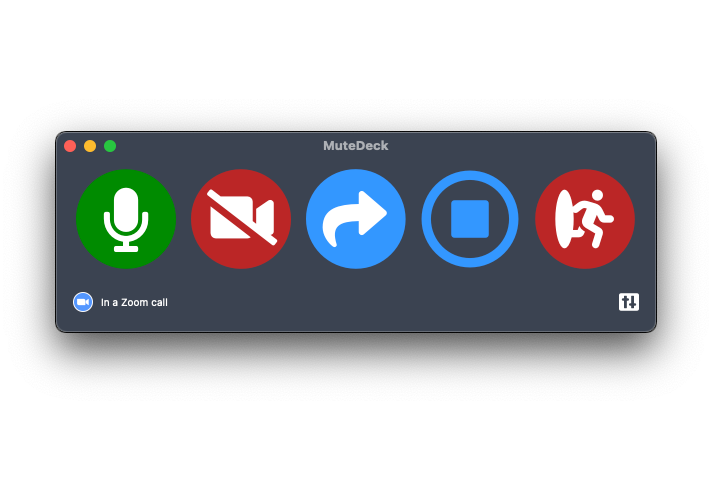
Check and control your status on Zoom; quickly mute or unmute, toggle your webcam, start sharing, leave the meeting, making you the meeting rockstar!
MuteDeck focuses on Zoom, Microsoft Teams, Google Meet, Riverside, Discord, Webex, StreamYard, and more coming, but even if you’re using Microsoft Teams, Google Meet, or any kind of conference application, the Mute button still lets you toggle your microphone with ease.
Curious yet? A picture is worth more than words, so take a look at MuteDeck in the screenshots!
At a glance
Software information
Industries served, licensing and the support MuteDeck provides.
Industries
- Computer-software
Licensing
- Proprietary
- One-Time Payment
- Free trial
Support
- Live Chat
- 24x7 Support
Training
- Documentation
Languages (1)
English
No reviews submitted yet.
Be the first one to reviewCapabilities
MuteDeck features
The full feature set, grouped by module.
Plans
MuteDeck pricing
Pricing Type
Per User
Free Version
No
Payment Frequency
One-Time Payment
Preferred Currency
USD ($)
Free Trial
14 Days
License per computer
Media
Screenshots & video