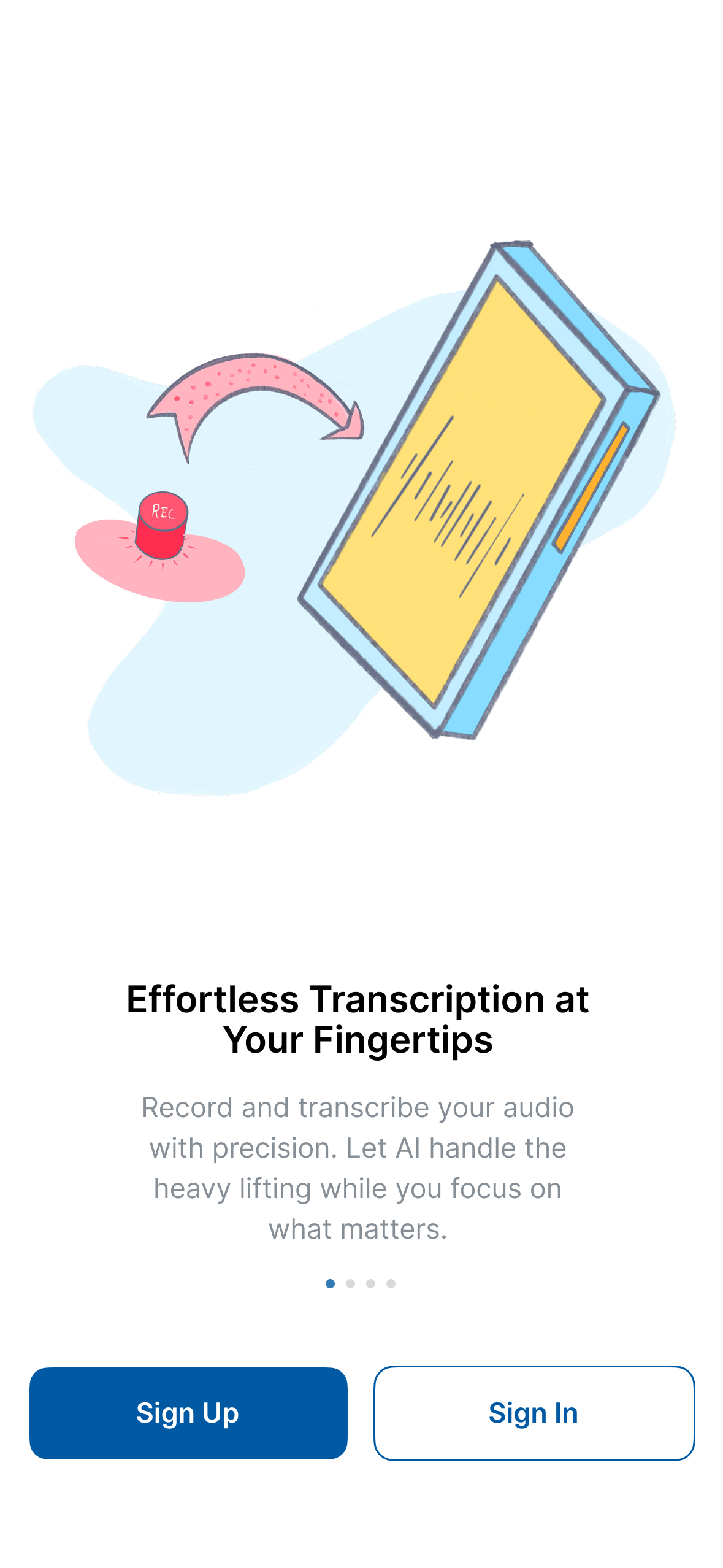
CogniAIX is an AI-powered productivity app that turns conversations into execution. Go beyond recording and transcription—CogniAIX listens, understands context & converts spoken discussions into structured notes, decisions & actionable tasks in one secure workspace.
Record meetings, interviews, lectures, podcasts, or voice notes directly in the app, or upload audio files (MP3, WAV, M4A, OGG, FLAC, AAC). Get real-time transcription so nothing is missed.
Powered by its built-in AI assistant, Cognia, CogniAIX automatically generates accurate transcripts, highlights key points, identifies action items & creates clean, shareable meeting summaries. Instantly turn transcript lines into tasks by assigning owners, setting due dates, priorities & tracking progress—no copy-pasting or switching tools.
All content lives in a searchable Conversation Hub. Ask questions like “What were today’s action items?” & get instant answers. With encrypted storage, no third-party sharing & full user control.
At a glance
Software information
Industries served, licensing and the support CogniAIX - Speech to Text Productivity Tool provides.
Industries
Consumer-services
Education-management
Executive-office
Information-technology-services
Internet
Media-production
Licensing
Proprietary
Support
Email
24x7 Support
Training
Documentation
Languages (1)
English
What users say
Review Analytics of CogniAIX - Speech to Text Productivity Tool
Every review is verified through Goodfirms before it's published.
5.03 Verified Reviews
Ease of use4.6
Features & functionality4.6
Customer support4.6
★
Review Summary
Summarized from 3 verified reviews · Updated September 2026
CogniAIX delivers accurate speech-to-text transcription that works well across diverse accents and settings, with an intuitive interface that requires minimal training. Users consistently highlight the tool's real-time transcription capability and editing features as significant time-savers for documentation and meeting management. The built-in AI summarization and quick export options are valued for productivity, and the tool's reliability is noted as dependable for regular use.
✦ AI-generated summary. May not reflect every review.
Detailed Reviews of CogniAIX - Speech to Text Productivity Tool
I like the efficiency of speech-to-text, which allows for fast and quick writing with great accuracy. The quick summary feature is also great for remembering details after meetings and keeping them ready to use anytime
AnonymousVerified Review
Posted on Nov 3, 2025
“Efficient, Reliable, and Surprisingly Powerful Speech-to-Text Tool”
Overall rating5.0
Ease of use5.0
Features & functionality5.0
Customer support5.0
As a senior digital marketer managing multiple campaigns and client meetings daily, I’ve come to rely heavily on CognitiAIX. What initially drew me in was its promise of free, accurate transcription—but what kept me hooked was its overall productivity value. I can record brainstorming sessions, upload meeting audio, or even dictate content ideas directly, and within seconds, CognitiAIX provides a clean, structured transcript that’s easy to edit and share.
The built-in AI assistant adds another layer of efficiency—it summarizes discussions, highlights key points, and even helps draft follow-up notes or action items. It has genuinely improved my workflow by cutting down hours of manual note-taking and re-listening to recordings. I also appreciate that it supports multiple audio formats and handles different accents well.
Overall, CognitiAIX feels like more than a transcription tool—it’s a personal productivity companion that understands how professionals work today.
Sprout Coaching Centre, Proprietor at Sprout Coaching CentreVerified Review
Posted on Oct 28, 2025
“Revolutionized Our Coaching Operations With Accurate, Effortless Transcription”
Overall rating5.0
Ease of use5.0
Features & functionality5.0
Customer support5.0
CognitiAIX has transformed how our coaching team manages content and productivity. The speech-to-text conversion is highly accurate, even with diverse accents and group settings, enabling seamless documentation of sessions. The interface is intuitive, making training and onboarding effortless. Real-time transcription saves hours of post-session admin work, while features like editing, exporting, and sharing transcripts help us deliver additional value to students and maintain excellent records. The tool’s reliability and consistent updates demonstrate a deep understanding of educators’ productivity needs.
Capabilities
CogniAIX - Speech to Text Productivity Tool features
The full feature set, grouped by module.
App Development Software
Mobile App Development
Software Development
Web App Development
AI Features
Speech Recognition Software
Audio Capture
Automatic Transcription
Speech-to-Text Analysis
AI Features
Productivity Software
Collaboration
File Sharing
Productivity Tracking
Project Management
Reports & Analytics
Task Management
Time Tracking
AI Features
Transcription Software
AI/Machine Learning
Annotations
Audio/Video File Upload
Automatic Transcription
Collaboration Tools
File Sharing
Full Text Search
Natural Language Processing
Speech Recognition
Text Editor
AI Features
Plans
CogniAIX - Speech to Text Productivity Tool pricing
Pricing Type
Free
Free Version
No
Preferred Currency
USD ($)
Free Forever - AI Transcription Software
Unlike other apps, you get full AI productivity transcription, meeting summaries, and insights with no hidden costs, no credit card required.