Holosign
Deployment
Overview
About Holosign
* Place signature fields in seconds
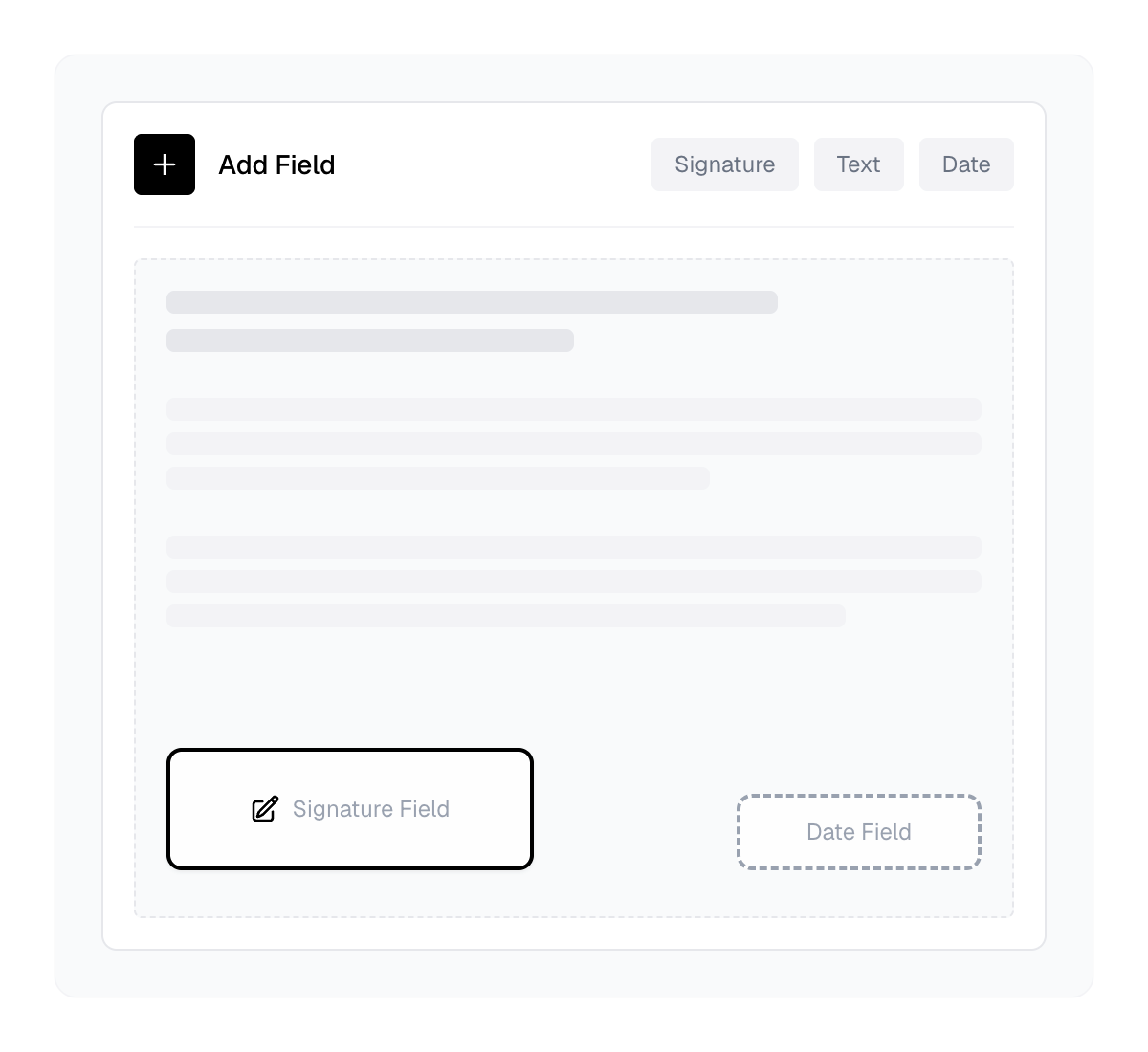
Upload any PDF and visually place signature boxes, text fields, date fields, and initials exactly where you need them. No complicated setup.
* Signers don't need an account
Your recipients get an email, click a link, and sign. That's it. No account creation, no app downloads, no passwords. The lowest possible friction for getting documents signed.
* Multiple signers, controlled order
Need signatures from several people? Set the signing order and Holosign handles the rest.
Each signer is notified when it's their turn.
* Complete audit trail on every document
Every signed document includes a certificate of completion with SHA-256 hash verification, signer details, IP addresses, and timestamps. Fully compliant and legally enforceable.
At a glance
Software information
Industries served, licensing and the support Holosign provides.
Industries
- Accounting
- Computer-network-security
- Computer-software
- Executive-office
- Financial-services
- Government-administration
Licensing
- Proprietary
- Monthly Payment
- Free version
Support
Capabilities
Holosign features
The full feature set, grouped by module.
Productivity Software
- Collaboration
- File Sharing
Digital Signature Software
- Audit Trail
- E-Signatures
- Multi-Party Signing
- Security & Encryption
Compliance Software
- Archiving & Retention
- Audit Management
Business Management Software
- Customer Management
- Document Management
- Financial Management
- Marketing Management
- Sales Management
- Vendor Management
Document Control Software
- Archiving & Retention
- Compliance Management
- Contract Management
- Document Capture
- Electronic Signature
Plans
Holosign pricing
Media
Screenshots & video