FormsPal
Deployment
Best for
Overview
About FormsPal
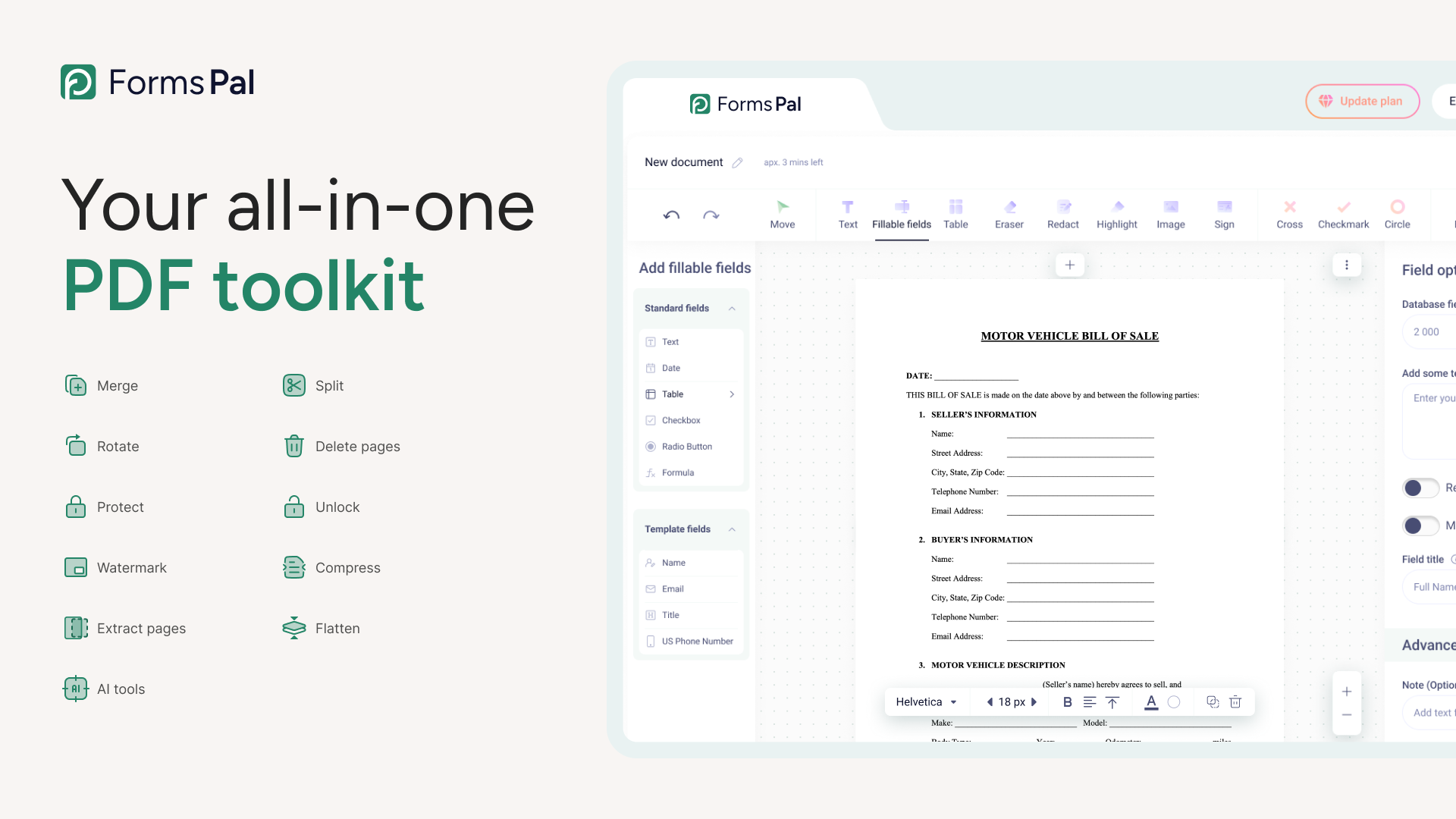
FormsPal is a browser-based document management and PDF software platform that enables users to create, edit, convert, sign, and organize documents in one place. It combines a large library of fillable templates with a full set of PDF tools, so users can work with both ready-made forms and uploaded files without switching between multiple products.
The platform supports common document tasks such as editing text, adding images, filling out forms, and annotating content directly in a PDF. Users can also handle page-level actions like merging files, splitting documents, rotating pages, deleting pages, or extracting selected pages into a new file.
FormsPal also includes tools for converting files between PDF and formats such a Word, Excel, PowerPoint, and images, while preserving formatting. Additional features such as password protection, watermarking, compression, and flattening help prepare documents for sharing or storage.
At a glance
Software information
Industries served, licensing and the support FormsPal provides.
Industries
- Accounting
- Banking
- Education-management
- Financial-services
- Hospital-health-care
- Human-resources
Licensing
- Proprietary
- Monthly Payment
- Free trial
- Free version
Support
- Phone
- Support daysMondayTuesdayWednesdayThursdayFridaySupport time01:00 to 11:00 (EST)
Training
- Documentation
Capabilities
FormsPal features
The full feature set, grouped by module.
Document Management Software
- Collaboration Tools
- Document Assembly
- Document Retention
- Document Sharing
- Document Storage
- Electronic Signature
- File Type Conversion
- Optical Character Recognition
- Version Control
- AI Features
Collaboration Software
- Contact Management
- Document Management
- Synchronous Editing
- Version Control
- AI Features
Digital Signature Software
- Audit Trail
- Authentication
- Custom Branding
- Document Management
- E-Signatures
- Multi-Party Signing
- Security & Encryption
- Templates
Plans
FormsPal pricing
- Edit, fill, draw, and print PDFs
- 200+ fillable and editable forms
- Add, delete, and rearrange PDF pages
- Highlight, erase, and rewrite content
- Access documents from anywhere
- 12 advanced PDF tools
- eSignature and signing requests
- Share and collaborate on documents
- 20,000+ fillable templates and forms
- AI-powered assistant
- Convert PDF to multiple formats
- Add users ($8 per user/month)
- User roles and permissions
- Unlimited access to our template library
- Create reusable templates
- Host forms and collect responses
- Custom branding
Works with
Integrations
FormsPal connects with the tools your team already uses.
Media
Screenshots & video