Key takeaways
- No single tool replaces Notion for everyone, so match the tool to the problem you want to fix.
- For project work, Asana, monday.com and Zoho Projects are a strong place to start.
- For documents and team knowledge, Confluence and eXo Platform fit best.
- For data heavy work, Airtable and Smartsheet handle structure better than Notion.
- Most tools here have a free version, so test one real workflow before you pay.
Notion has earned its spot as one of the most loved workspace tools around, reportedly used by over 100 million people worldwide for everything from personal notes to running entire companies. That flexibility is exactly why teams love it early on.
Then the team grows, and so does the bill! Pages pile up, databases slow down, and new joiners take weeks to find anything. If that sounds familiar, you are in the right place. This guide walks through ten of the best Notion alternatives for 2026, backed by real user reviews.
Each can replace all or part of Notion. Some suit project work, some suit team knowledge, and one is open source. Here is what stands out about each one, in plain words. This guide covers 10 tools across project management, documentation and databases.
If you want to compare more collaboration software side by side, explore this list of the best collaboration software tools with verified reviews and pricing.
Why Teams Look Beyond Notion
Notion is a strong tool. On Goodfirms, it holds a 4.5 rating from 13 reviews, and users like how easily they can shape it around their own work. The trouble starts with that same freedom. Someone has to design the workspace, and someone has to keep it tidy. One reviewer mentioned that onboarding a new team member can take longer than it does with tools like Trello or Asana.
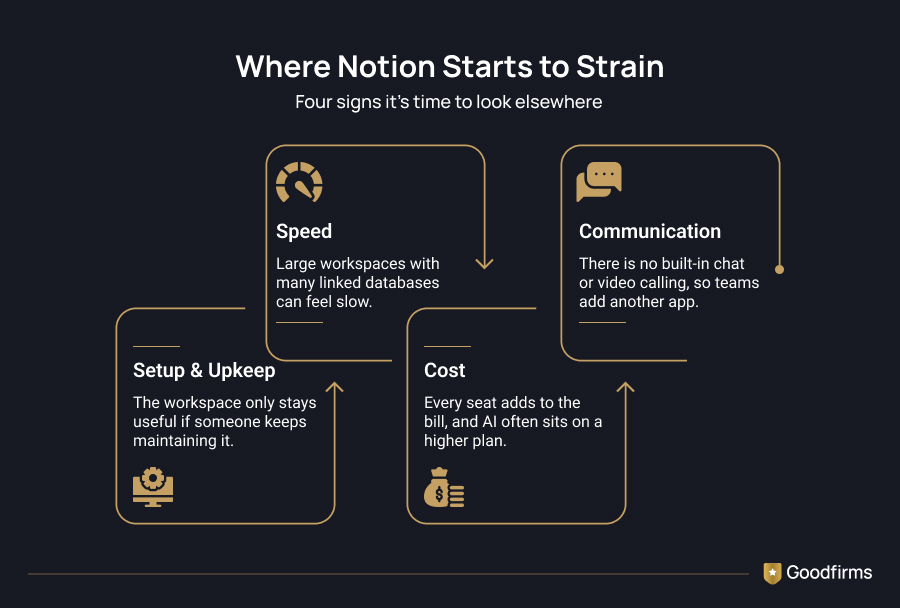
Teams that move away from Notion tend to raise the same four complaints:
- Set up and upkeep: the workspace only stays useful if someone keeps maintaining it.
- Speed: large workspaces with many linked databases can feel slow.
- Cost: every seat adds to the bill, and AI features often sit on a higher plan.
- Communication: there is no built-in chat or video calling, so teams add another app.
Most teams run into two or three of these at once, usually a few months after the workspace was first set up. That combination is what sends people looking for a tool built around one main job, and that is the gap this list fills.
How These Notion Alternatives Were Shortlisted
Ten tools made the shortlist after a close look at what teams actually need from a Notion replacement. The aim was a mix of Notion alternatives for teams of every shape, covering projects, documents, databases, and visual planning, so most teams find at least one strong fit.
Each tool was checked on five points:
- Ratings and the number of user reviews
- Feature coverage across the collaboration basics
- Free plans and entry pricing
- How quickly a team can start using the tool
- Common complaints from real users
Notion Alternatives at a Glance
Here are all ten tools side by side, with what each one does best, its user rating, entry price, and whether a free version is available. Use the table to pick two or three tools, then read those sections in detail.
|
Tool |
Best for |
User rating |
Entry price |
Free version |
|---|---|---|---|---|
|
Asana |
Structured project work |
4.4 |
Free |
Yes |
|
monday.com |
Visual boards |
4.3 |
From $9 per user |
Yes |
|
Zoho Projects |
Small teams on a budget |
4.3 |
From $4 per month |
Yes |
|
Basecamp |
Simple project tracking |
4.3 |
$25 per user |
No |
|
Confluence |
Documentation and wikis |
4.1 |
About $5 per user |
Yes |
|
Microsoft 365 |
Teams on Microsoft tools |
3.8 |
$9.99 per month |
No |
|
eXo Platform |
Open source workplace |
4.8 |
Quote based |
Yes |
|
Airtable |
Data-heavy workflows |
4.5 |
From $20 per user |
Yes |
|
Smartsheet |
Spreadsheet style planning |
4.3 |
Free version |
Yes |
|
Miro |
Brainstorming and visual planning |
4.5 |
Free version |
Yes |
10 Best Notion Alternatives in 2026
If your Notion workspace mostly tracks work, dedicated project management software saves you a lot of setup. These four are the best Notion alternatives for managing projects, and they keep tasks, owners, and deadlines in front of everyone.
1. Asana
Asana is the most reviewed tool on this list, with a 4.4 rating from 136 reviews. Teams use it to turn projects into lists, boards, and timelines with clear owners. It supports 10 of 13 key collaboration features, including task management, workflow management, and version control. One reviewer who used it for four months said it helped their team work more productively.
Best for: teams that want structure and quick adoption.
Watch out for: fewer documentation tools than Notion
Pricing: A free version is available.
2. monday.com
monday.com is a cloud-based Work OS that lets teams build workflows without code, rated 4.3 out of 5 across 25 reviews, with 11 of 13 features supported. Reviewers like how quickly updates travel across the team, though one mentioned that a few teammates needed time to learn the interface. If you are choosing between it and similar tools, this ClickUp vs monday vs Asana comparison is a useful read before you decide.
Best for: visual boards and daily operations.
Watch out for: pricing that rises as the team grows.
Pricing: a free plan exists, and paid plans run from about $9 to $19 per month.
3. Zoho Projects
Zoho Projects suits teams that track a handful of projects and want to keep costs low. Reviewers give it 4.3 stars across 25 write-ups. A reviewer from Newmark Beauty called it the most cost-effective choice for teams that do not need heavy staff scheduling or timesheets, and said it scales as the team grows. It also connects with other Zoho apps, Google Calendar, and Slack.
Best for: small teams on a budget.
Watch out for: it is built for a few projects at a time.
Pricing: A free version is available.
4. Basecamp
Basecamp keeps project work calm and simple. Each project holds to-dos, messages, and files, and reviewers mention the daily summary that shows what the team is working on. Across 33 reviews, it averages 4.3 stars, and it supports 7 of 13 features, which is fewer than most tools here. Some teams pick it for exactly that reason, since there is less to learn.
Best for: teams that want simple project tracking.
Watch out for: no free version.
Pricing: a free plan exists, and paid plans from $25 per month.
Notion pages that turn into a team wiki tend to get messy fast, and that is usually the moment people start looking elsewhere. Good knowledge management tools keep answers easy to find, easy to update, and easy to trust, and these three are worth a closer look.
5. Confluence
Confluence leads the feature matrix for collaboration software, with 12 of 13 features supported. It works as a shared space for pages, meeting notes, and project plans, and it sits well beside Jira for software teams. It fits best when documentation matters more than boards. A free version is available, and paid plans start at about $5 per user per month.
Best for: engineering and IT teams.
Watch out for: a denser interface than Notion.
Pricing: free version, then about $5 per user per month.
6. Microsoft 365
If your team already lives in Outlook, Word, and Teams, Microsoft 365 keeps everything in one place. It supports 11 of 13 features and comes with a 30-day trial. The rating is 3.8 from 34 reviews, the lowest on this list, so test it with your team before committing. One reviewer praised Teams for remote work, and another called it a complete package for running operations.
Best for: teams already on Microsoft tools.
Watch out for: a lower rating than the others here.
Pricing: $9.99 per month.
7. eXo Platform
eXo Platform is the open source pick, and it has the highest rating of any tool here at 4.8 from 26 reviews. It covers knowledge sharing, document management, calendars, and team collaboration, and you can run it in the cloud or on your own servers. A reviewer described it as a comprehensive digital workplace and liked its clean, modern look. If open source appeals to you, this list of free and open source collaboration software has more choices.
Best for: teams that want control over their data.
Watch out for: paid plans are quote-based, so you need to contact the vendor.
Pricing: a free version exists, with a 7-day trial.
8. Airtable
Airtable mixes a spreadsheet with a relational database, and its 12 reviewers rate it 4.5 stars on average, with 11 of 13 features supported. You can view the same data as a grid, Kanban board, calendar, gallery, or timeline, and form feed answers straight in. One reviewer said it is a good upgrade for teams that currently run projects in Excel or Google Sheets. It fits best when your Notion databases do the heavy lifting.
Best for: data heavy workflows.
Watch out for: costs climb as more editors join, and long-form writing feels less comfortable than in Notion.
Pricing: a free plan exists, then $20 to $45 per team per month.
9. Smartsheet
Smartsheet gives you a familiar spreadsheet layout with Gantt charts, file sharing, and workflows on top, and it carries a 4.3 rating from its 10 reviewers. Reviewers call it easy to learn and use to plan projects and track progress. One reviewer wished the dashboard and chart options were more customizable, so check that against your reporting needs.
Best for: teams that think in spreadsheets.
Watch out for: limited dashboard customization.
Pricing: a free version is available, along with a free trial.
10. Miro
Miro is a visual collaboration board, best used when your Notion pages are mostly brainstorms, maps, and planning sessions. Its 10 reviewers rate it 4.5 stars on average. A reviewer said their team uses it to turn scattered ideas into a clear picture, and called it easy to use for small teams. If you want lighter productivity apps to sit beside it, you can browse that list too.
Best for: brainstorming and visual planning.
Watch out for: it is not a full project or documentation tool.
Pricing: A free version is available.
Free Notion Alternatives
Free plans are the easiest way to test a switch. Notion itself has a free version, and so do Asana, monday.com, Airtable, Smartsheet, Miro, Zoho Projects, Confluence, and eXo Platform. Basecamp and Microsoft 365 offer trials instead. Free versions usually cap users, records,s or storage, so read the limits before you move a live project. If you are searching for the best free alternatives to Notion, pick one real workflow, run it for two weeks, and only then think about paying.
What You Will Pay Compared to Notion
Price is where teams get surprised. The main cost drivers are features, number of users, number of projects, storage,e and deployment type. Extras such as training and integrations can push the bill up further.
Here is a simple example for a 20-person team, using entry-paid prices before any annual discount:
- Zoho Projects at $4 per user comes to $80 a month.
- monday.com Standard at $14 per user comes to $280 a month.
- Basecamp at $15 per user comes to $300 a month.
- Airtable Team at $20 per user comes to $400 a month.
These figures can change, so confirm the current price with each vendor. To understand how vendors build their plans, this project management pricing guide explains the common models.
What Happens to Your Data When You Leave Notion
If you are wondering how to migrate from Notion, start by checking what comes with you. Notion pages export as Markdown or HTML, and databases export as CSV. Text moves over well. The structure around your data is harder to carry. Relations between databases, rollups, formulas, and saved views usually need to be rebuilt by hand, and comments can go missing depending on the format.
The safest approach is simple. Export a real, messy section of your workspace and import it into your top two picks. Count what arrives intact and what needs rework. Keep Notion on its free plan for a month as a reference while your team settles in. Notion's help page lists the current export formats and limits.
How to Choose the Right Notion Alternative
Choosing a tool gets easier when you start from your own workflow. These six steps take you from the jobs Notion does for you today to a tool your whole team can settle into.
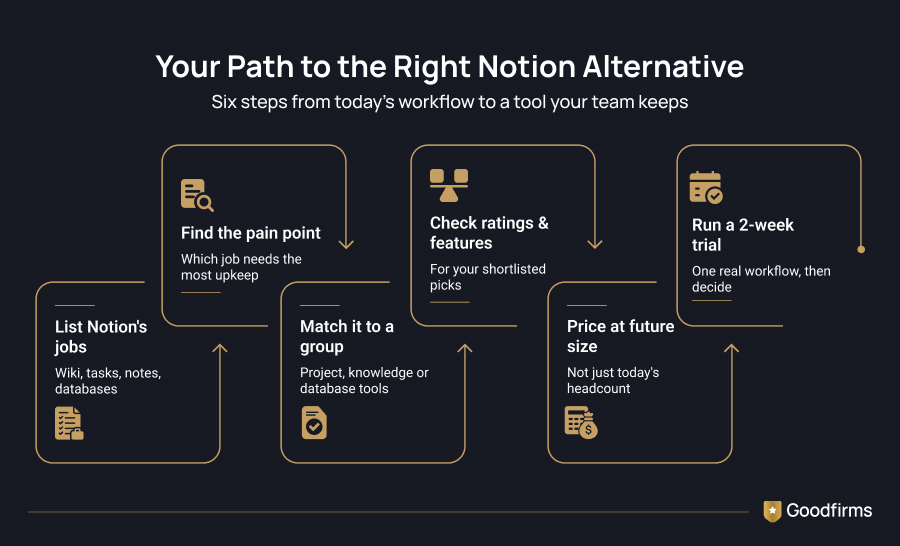
- List every job Notion does for you today, such as wikis, tasks, notes, and databases.
- Mark the job that needs the most upkeep, and move that one first.
- Match it to a group above: project tools for tasks, knowledge tools for docs, database tools for structured data.
- Check the rating, review count, and feature list on Goodfirms for your top picks.
- Price the plan at the team size you expect next year.
- Run one real workflow for two weeks before you decide.
If tasks are all you need, a focused task management software may be enough, and it is often cheaper.
Conclusion
Notion is still a great workspace for many teams. When it starts to slow you down, the answer is rarely one perfect replacement. Project-heavy teams can look at Asana, monday.com, or Zoho Projects. Teams that live in documents can try Confluence, Microsoft 365 or eXo Platform. Data-heavy work fits Airtable and Smartsheet, and visual planning fits Miro. Start with a free plan, test one real workflow, and let your team's reaction guide the decision. Hopefully, this list of the best Notion alternatives saves you a few hours of searching.
FAQs - Best Notion Alternatives
1. What are the best alternatives to Notion?
The right pick depends on the job you want to fix. Asana and monday.com work well for projects, Confluence suits documentation and team wikis, and Airtable handles databases better than Notion does. Asana also has the most user reviews of any tool here, with 136, which shows how widely teams use it. If you are unsure where to begin, start with the group that matches how your team uses Notion today.
2. What are the best free alternatives to Notion?
Asana, monday.com, Airtable, Smartsheet, Miro, Zoho Projects, Confluence, and eXo Platform all offer a free version or plan. Basecamp and Microsoft 365 come with trials instead. Free plans usually cap users, records, or storage, so check those limits before you move a live project. A two-week test with one real workflow will show you quickly whether the free plan is enough.
3. What are the best alternatives to Notion AI?
None of these tools is a like-for-like swap for Notion AI, since each one handles AI in its own way. Several of them, including Asana and monday.com, now offer their own AI features, and access often depends on the plan you pick. AI is also commonly sold as an add-on, so the price you see upfront may not include it. Check each vendor's pricing page and try the AI features on a real task before you commit.
4. What is the best Notion alternative for managing projects?
Asana, monday.com, Zoho Projects, and Basecamp are the top four for project work. Asana suits structured teams that want clear owners and timelines, and monday.com suits teams that like visual boards. Zoho Projects keeps costs low for smaller teams, and Basecamp keeps things simple with fewer features to learn. Choose based on team size, budget, and how much structure you need.
5. Is there an open-source Notion alternative?
Yes. eXo Platform is open source and carries a 4.8 rating from 26 reviews, the highest on this list. You can run it in the cloud or on your own servers, which gives you more control over your data. It covers knowledge sharing, document management, calendars, and team collaboration in one place. A free version exists, but paid plans are quote-based, so you will need to contact the vendor.